
Excel workbook
Groundworks Materials Calculator v1.2
Work out the materials before you order. Type in your measurements and your supplier's figures, and the workbook turns them into a materials list – including sand, gravel, Type 1, ballast and concrete in m³, tonnes and bags.
What it works out
Metric units, plain UK English, one row per run or area.
Drainage
Straight runs in a rectangular trench: pipes per run rounded up to whole supplied lengths, trench excavation, granular bed and surround with the pipe's own volume deducted, and backfill.
Concrete
Rectangular slabs, bases, strips and pads: net m³ and order m³ with your waste %, optional rounding to your supplier's order step, optional bag count and optional sub-base.
Slabbing
Net area, area with your cutting/waste %, slabs to order, whole packs or pallets per product, and laying bed and sub-base volumes.
Monoblock / block paving
Blocks to order, whole pallets or packs per product, and laying course and sub-base volumes. Jointing sand bags if you enter the coverage per bag.
Aggregates tab
A standalone calculator for sand, gravel, Type 1, ballast, pea shingle, topsoil, hardcore, concrete and any material you add. Type in the size and depth for m³, tonnes, bulk bags and 25 kg bags.
Hardcore, sand and gravel from the job tabs
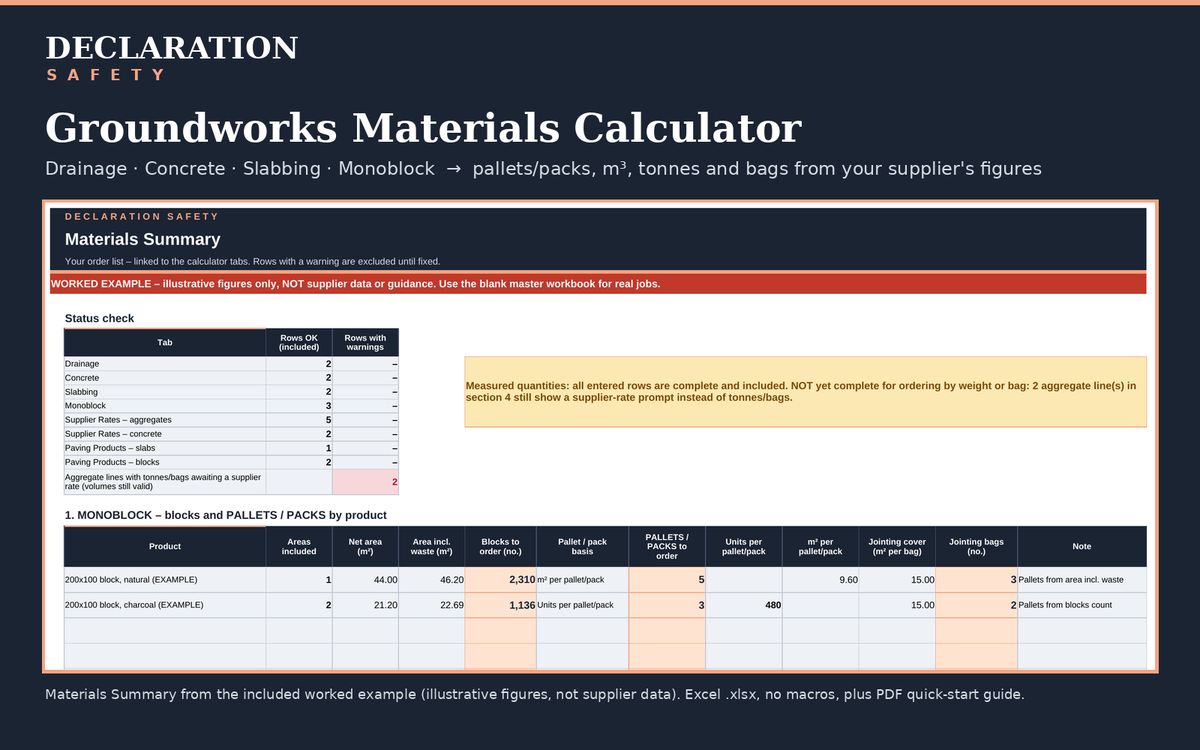
Volumes from drainage, concrete, slabbing and monoblock added up per material in m³. Tonnes and bags appear when you enter your supplier's density and bag size.
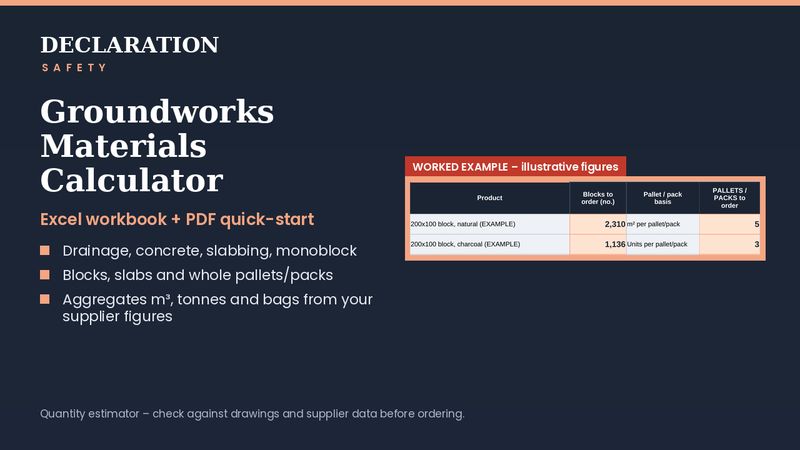
Pallets rounded up
Blocks and slabs are rounded up to whole pallets or packs per product, using the pack sizes you enter.
Your supplier's figures, not ours
On Supplier Rates there's no built-in density, bag yield or "standard" rate. You enter your supplier's density, bag sizes, pack and pallet quantities and coverage. Leave a rate blank and the workbook shows the volume and asks for the rate instead of guessing. The Aggregates tab includes typical starter densities that you should edit to your supplier's figures before ordering.
Clear warnings
Input checks flag missing, negative and non-numeric entries, a trench too shallow or narrow for the pipe, an unknown product, and some common unit mistakes, such as a length typed in millimetres where metres are expected. They can't catch every wrong entry, so check your inputs. Flagged rows stay out of the totals until fixed.
Quantities only, not prices or design
This is a quantity estimator. It doesn't price your job or design anything: no pipe sizing or falls, concrete mix or reinforcement, foundation or sub-base thickness, or cutting plans. Take those from your drawings, specification, designer or supplier.
Not included: chambers, gullies and fittings; trench support, over-dig and dewatering; spoil bulking and disposal; formwork, reinforcement and DPM; kerbs and edgings; curved or irregular shapes; and prices. Always check quantities against the drawings, site measurements and supplier data before ordering.
In the download
- Blank master workbook (.xlsx, no macros)
- Filled-in worked example with illustrative figures
- Three-page PDF quick-start guide
- Single-business licence
Built as a macro-free .xlsx using standard functions, for Microsoft Excel 2010 or later. Full compatibility notes will be on the Payhip listing.